
Latest Version
Ivo Wessel
Tools
Mac
Free
6745305013
Report a Problem
More About Folder Rack – File Manager
The Multi-Panel Solution for Mac File Management
Imagine working on a complex project where you need to constantly move, compare, and organize files across five different directories. In the standard macOS Finder, this usually leads to a cluttered screen buried under overlapping windows. Folder Rack – File Manager solves this exact pain point by introducing a highly structured, multi-panel layout designed for power users who need to maintain a clear overview of their local directory structures.
Developed by Ivo Wessel, this utility is built specifically for macOS users who find the native Finder restrictive. Rather than forcing you to jump between tabs, it presents your selected directories side-by-side in a single, cohesive interface.
Key Features of Folder Rack – File Manager
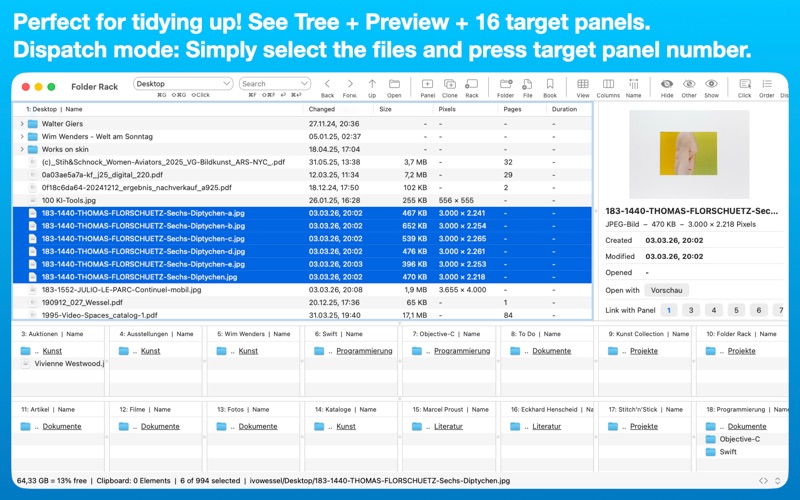
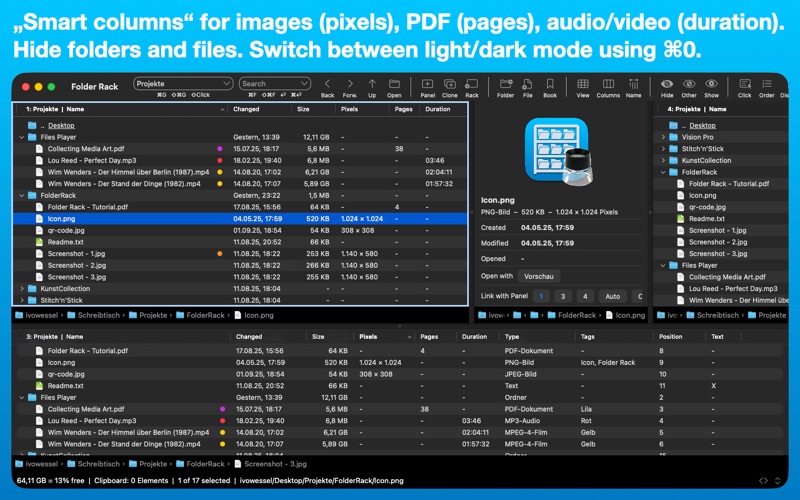
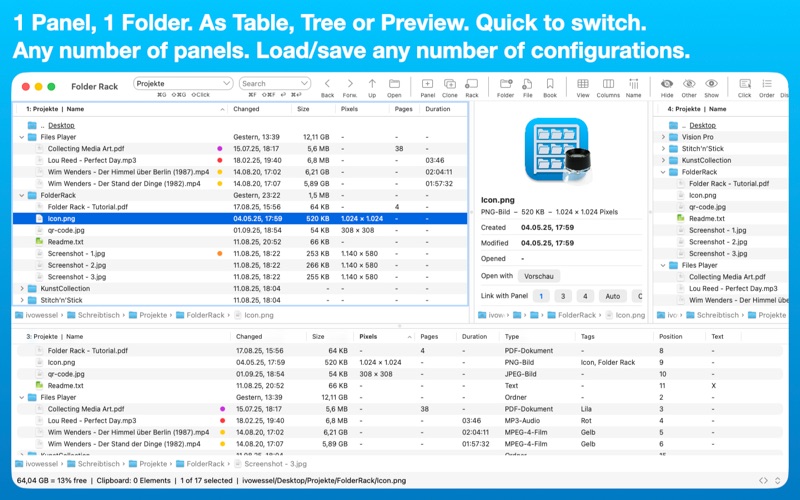
- Multi-Panel Interface: Open any number of panels in a single window. Every panel remains fully visible and zoomable, ensuring you never lose your visual anchor.
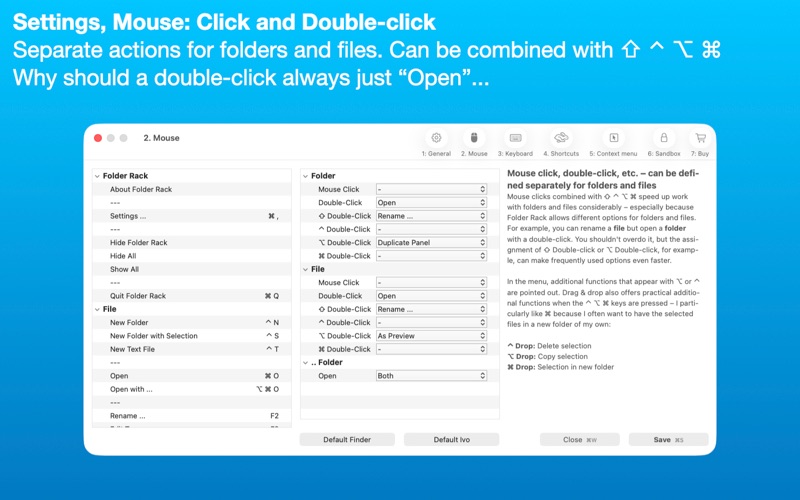
- Advanced Keyboard Support: Designed for speed, the application offers extensive shortcut integration and customizable actions for Return, mouse clicks, and modifiers like Shift, Control, Option, and Command.
- Smart Organization & Sorting: Quickly find files using wildcard searches (* and ?) directly inside panels, or leverage Spotlight integration. You can also assign tags directly within cells to clean up your files on the fly.
- Session Memory & Profiles: Save your active workspace configurations as named profiles. When you launch the app, it restores the exact panels from your previous session.
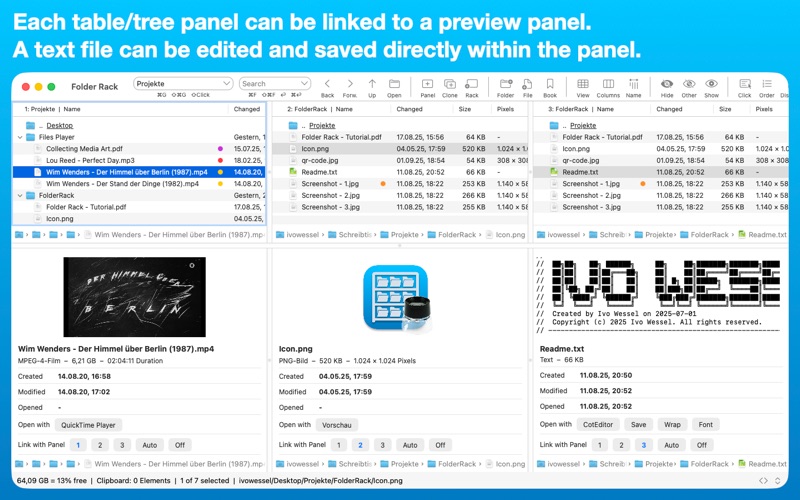
- Flexible Viewing Modes: Switch seamlessly between table, tree, and preview modes. You can even edit and save plain text files directly inside a panel.
Who Is This File Manager For?
Folder Rack – File Manager is an ideal tool for developers, creative professionals, writers, and anyone who handles large volumes of digital assets daily. If you frequently find yourself dragging files across multiple desktop windows or losing track of deeply nested folders, this tool provides the structured workspace needed to restore order.
Our Editorial Verdict
By bypassing the traditional single-window Finder limitations, this tool delivers a highly optimized layout that respects your desktop real estate. The inclusion of system-independent dark mode, customizable context menus, and multiple clipboards makes it a robust utility for productivity-focused Mac users. To try it out yourself, head over to the official Mac App Store to explore its features during the trial period.
Rate the App
User Reviews













Popular Apps










Editor's Choice