
Latest Version
Marcin Labenski
Tools
Mac
$9.99
1464906293
Report a Problem
More About MaxCommander
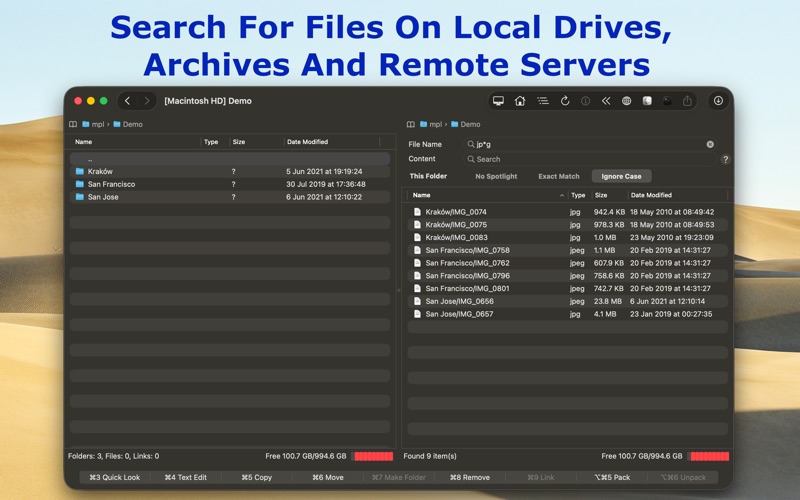
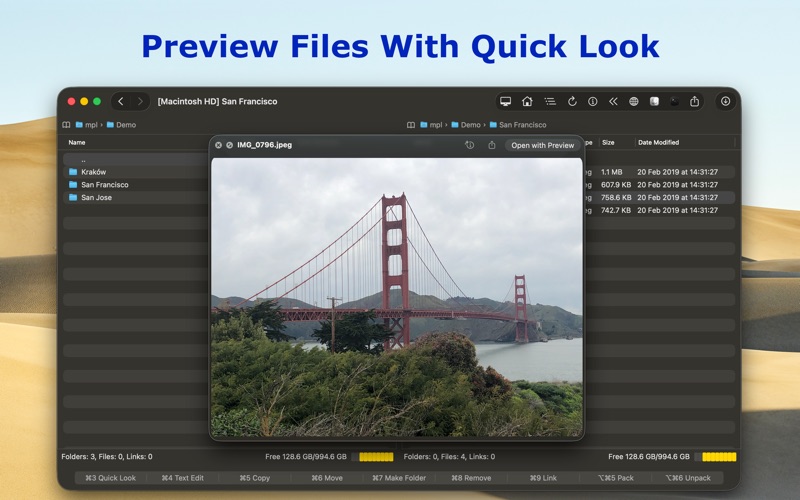
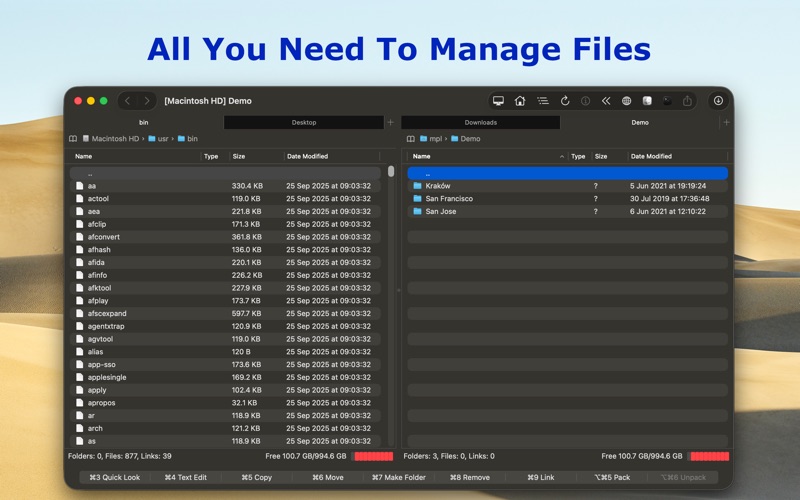
For power users who find Apple's default Finder limiting, the classic dual-pane layout remains the gold standard for efficiency. MaxCommander file management software revives this highly productive workflow on macOS, combining keyboard-driven navigation with modern connectivity to streamline how you interact with your data.
What is MaxCommander?
Developed by Marcin Labenski, MaxCommander is a premium utility designed for the Mac platform. It caters to developers, system administrators, and advanced users who need to organize local drives, remote servers, and compressed archives simultaneously. By utilizing a side-by-side panel layout, it eliminates the need to manage multiple overlapping windows, allowing you to execute complex file operations with rapid keyboard shortcuts.
Comprehensive Archive Integration
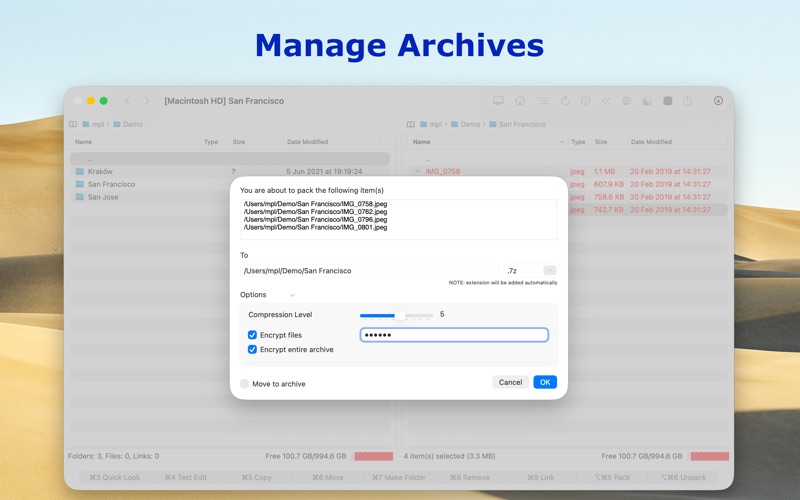
One of the standout capabilities of this tools category software is its deep integration with compressed files. Instead of extracting archives just to view their contents, MaxCommander lets you browse them as if they were standard local folders. You can seamlessly modify, create, and unpack a vast array of formats:
- Full Read/Write Support: Zip, 7z, Tar, and Wim.
- Creation and Unpacking: Tar.gz, Tar.bz2, Tar.xz, Gz, Bz2, Xz, Iso, and Xar.
- Extraction Only: Rar, Arj, Lha, Cab, RPM, Jar, VDI, VMDK, and VHD.
- Legacy Support: Custom character encoding selection for non-Unicode archives (Arj, Zip, Rar, etc.).
Seamless Remote Server and Cloud Connections
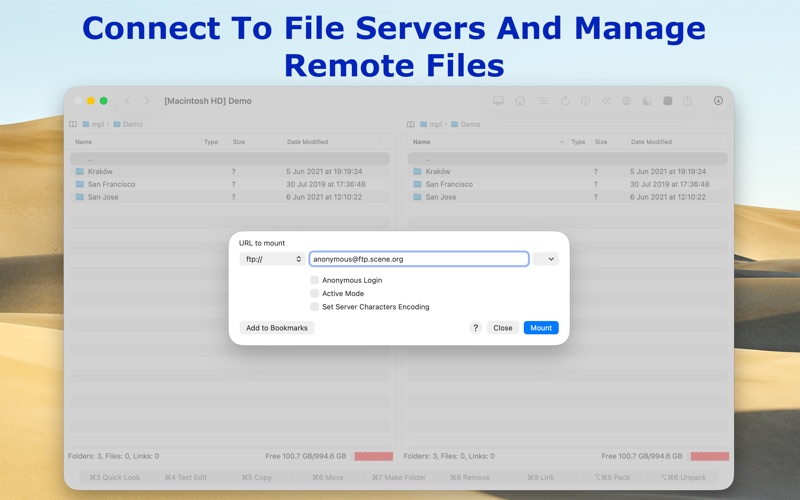
Modern workflows require accessing files outside of your local hard drive. The MaxCommander file management software functions as a versatile client for network storage and cloud services. You can connect directly to:
- Standard Protocols: FTP, SFTP, WebDAV, SMB, and AFP.
- Secure FTP: Implicit FTPS and explicit FTPES over SSL/TLS.
- Cloud Storage: Direct integration with Dropbox and Microsoft OneDrive.
Who is MaxCommander For?
If you regularly move files between remote servers, manage virtual disk images, or pack and unpack complex archives, MaxCommander offers a centralized, distraction-free environment. It minimizes mouse movement and maximizes hotkey efficiency, making it an excellent investment for technical professionals seeking to optimize their daily digital organization.
To experience this dual-pane workflow firsthand, you can purchase and download the application directly from the official Mac App Store.
Rate the App
User Reviews













Popular Apps










Editor's Choice